
Keep families in the loop, not in your WhatsApp.
The messaging app built for coaching businesses. Chat one-to-one, update a whole class in one tap, and reach every family by push, SMS or email, without anyone getting your personal number.
Your personal phone shouldn’t be the front desk.
Most coaches give every parent their personal WhatsApp. That means messages at 10pm, no way to switch off and no record of what was said. Outcoach gives your business its own channel, so work stays at work.
- Hand your personal number to every parent
- Answer WhatsApps at 10pm on a Sunday
- Text 30 parents the same update, one by one
- Watch a group chat fill up with “thanks!”
- Scroll back weeks to find what was agreed
- Find out a family missed the cancellation
Three apps, no off switch and no record of who was told what.
One inbox for work. One tap for the whole class. Your number stays yours.
- Parents message you in Outcoach, not on WhatsApp
- A whole class updated in one tap
- Push, SMS and email, with SMS at no extra cost
- Every conversation on record and searchable
Four screens that replace the parents’ WhatsApp group.
Direct messages, announcements and class notifications, all built into the platform your coaches already use. No extra apps and no extra cost.
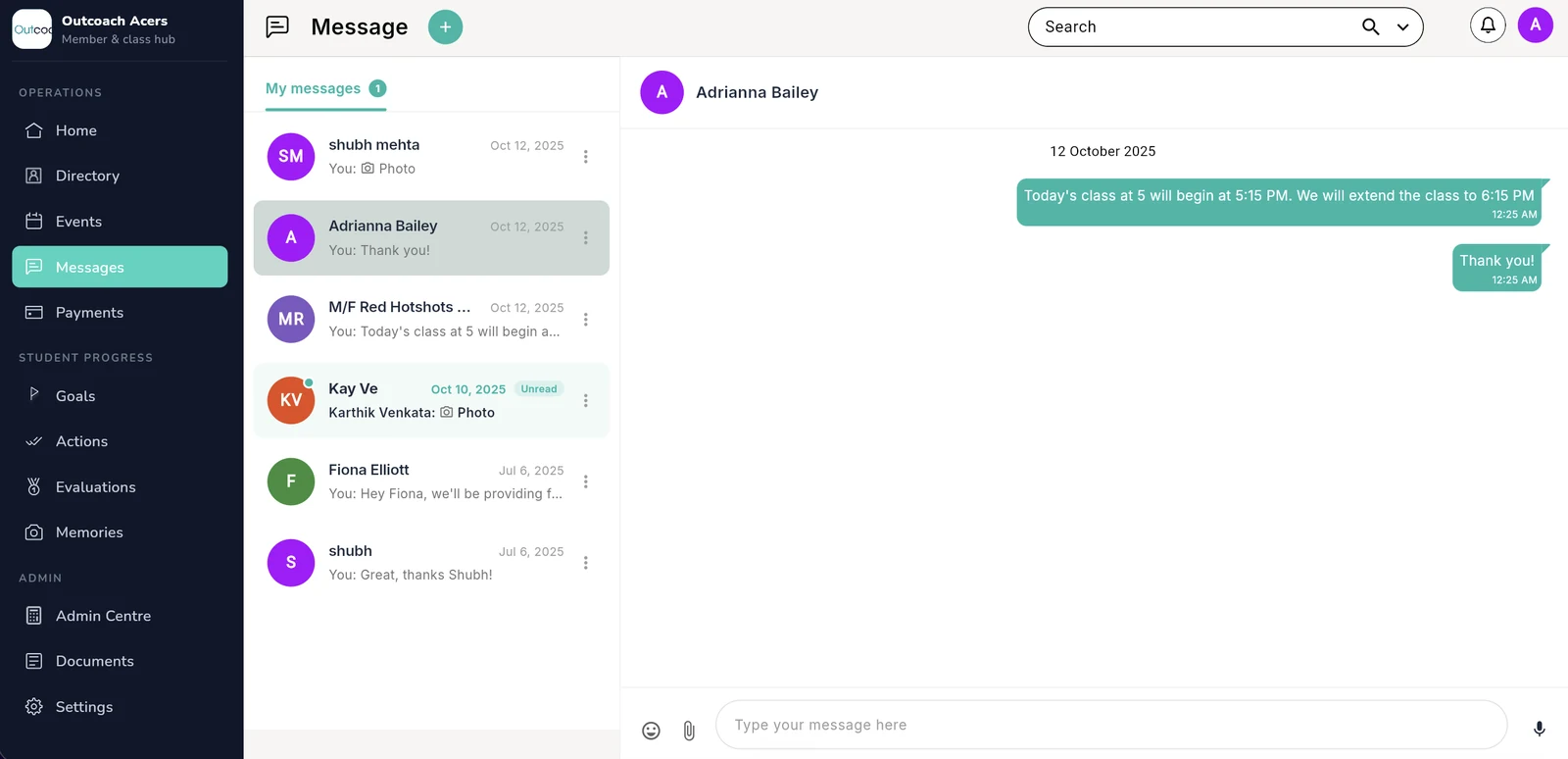
Message any parent, without giving out your number.
Parents, students and coaches message each other inside Outcoach, not on WhatsApp. Every conversation is private, tied to the right account and kept on record, so you never have to scroll back through your personal phone to find what was agreed.
- 1Start a conversation in one tapWith a parent, a student, a coach or a whole class.
- 2Unread messages stand outSee who’s waiting on a reply the moment you open Messages.
- 3Every message dated and on recordNo more “I never got that message”.
- 4Photos, emoji and voiceShare a photo from training or say it instead of typing.
 1234
1234
One message to a parent, a class or your whole school.
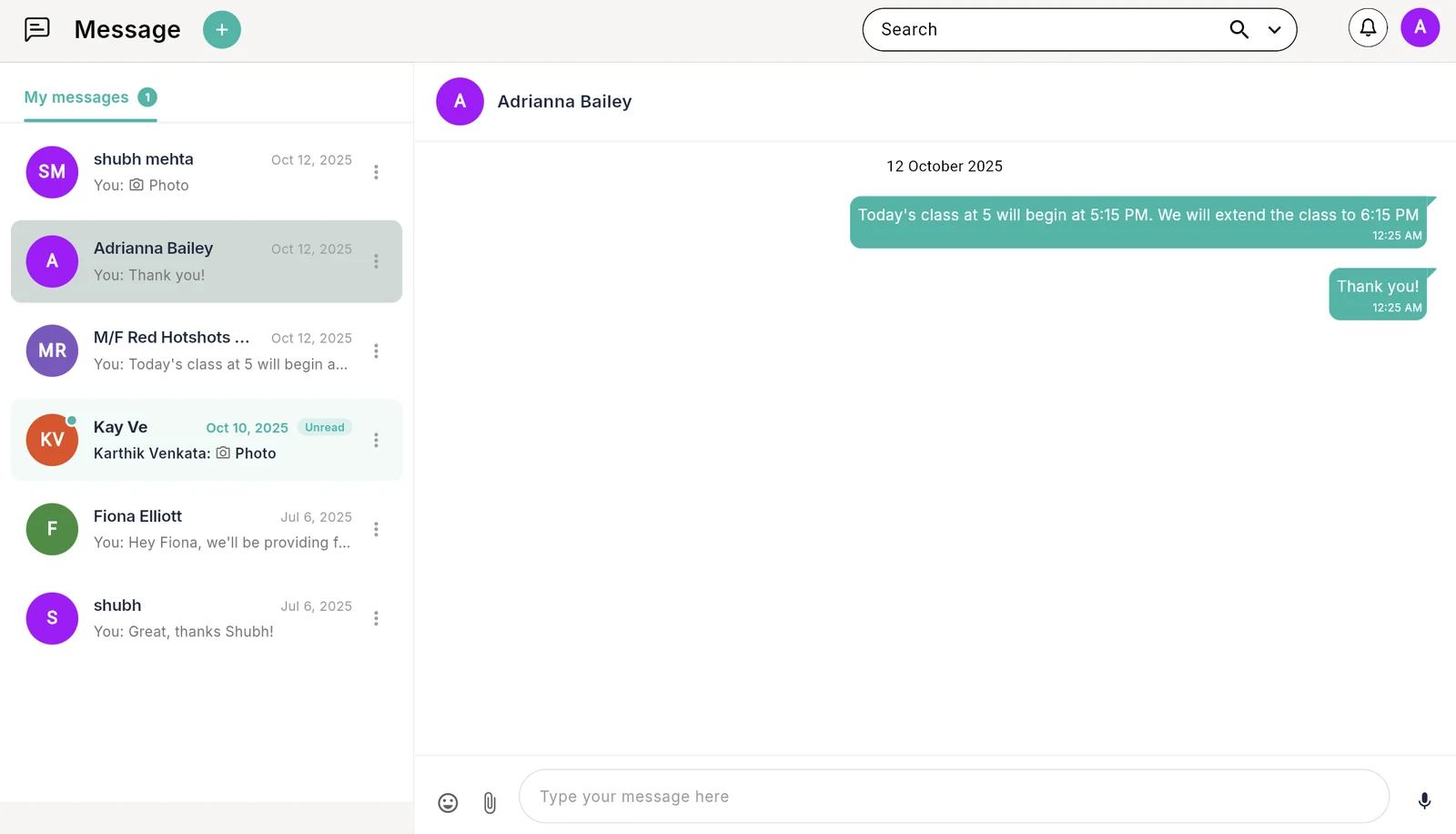
Sending the same update to 30 parents one by one takes time you don’t have, and a group chat fills up with replies. An announcement goes to exactly the people you choose, lands as a push notification or a text, and doesn’t start a thread.
- 1Pick exactly who gets itOne parent, one class, a group or everyone.
- 2Add a title that stands outHoliday schedule, venue change, rain update.
- 3Type it or say itTap the mic and talk. Up to 600 characters, short and clear.
- 4Push notification or SMSPush is instant and free. SMS reaches families without the app.
 1234
1234
Class running late? Tell everyone in it, from the class itself.
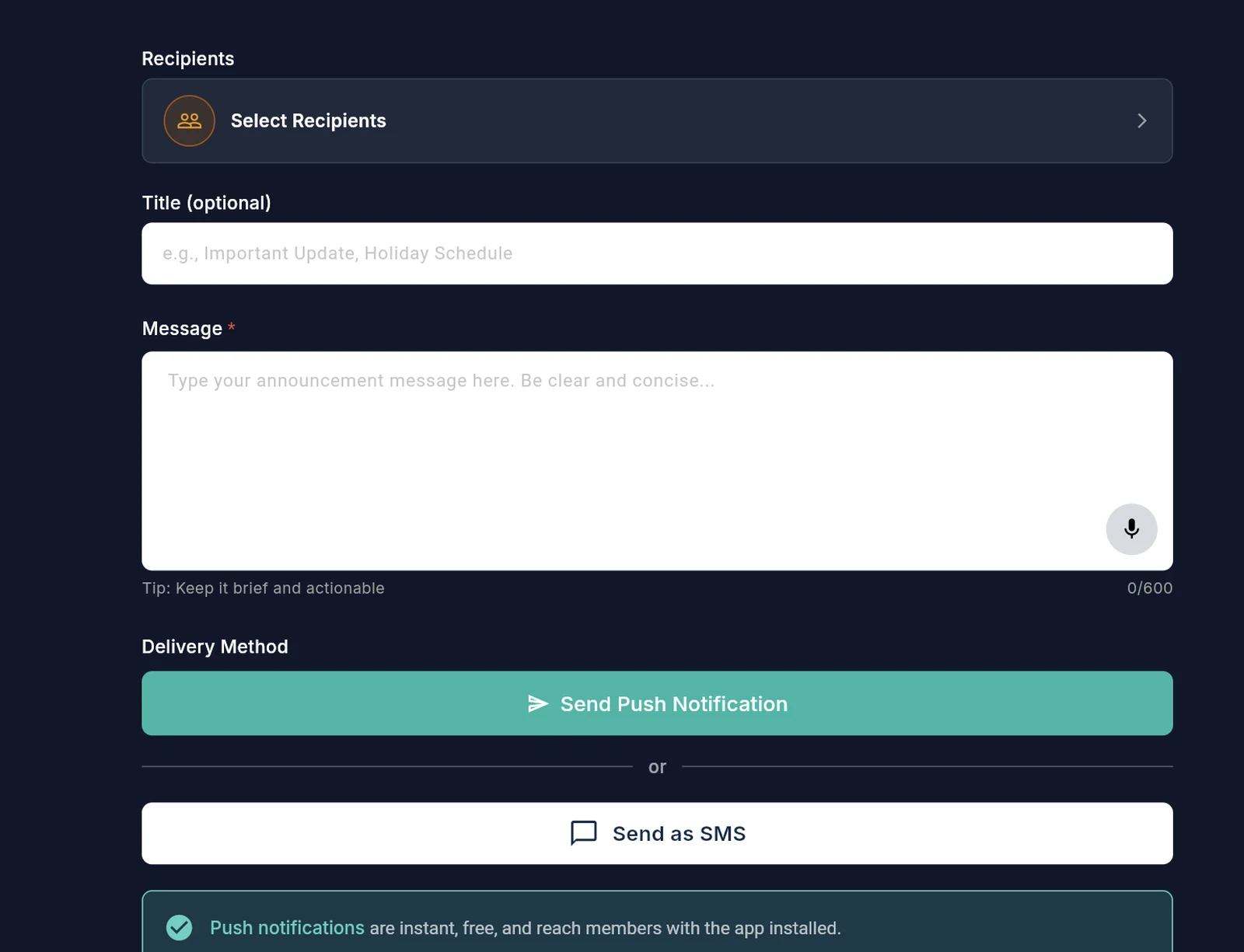
Pick the classes on your calendar and Outcoach pulls in everyone booked into them. Write the update once and send it as a push notification, a text or an email. No list to build and nobody left out.
- 1Starts from the classes you selectEveryone booked in is added for you.
- 2In-app, SMS or emailChoose the channel that suits the message.
- 3Write it onceOne message, sent to every attendee.
- 4Leave someone outRemove anyone who doesn’t need the update before you send.
 1234
1234
Everything that needs your attention, in one place.
Notifications and announcements each get their own tab, so an important update never gets buried. Outcoach also reminds you about things that are easy to miss, like a recurring class or court booking coming to the end of its series.
- 1Notifications and announcements, kept apartWith a count on each, so you know what’s new.
- 2Reminders you’d otherwise forgetLike the last class in a recurring series.
- 3Done or dismissed in one tapOr clear the lot with Mark all.
- 4Send an announcement from hereSpot something that needs saying, then say it.
 1234
1234
Swipe to see the full screen →
The right conversation with the right people.
Group chats for the teams that need them, and privacy settings that keep every family’s details to themselves.
A group chat for every class, squad and coaching team.
Coordinate parents before a tournament or keep coaches aligned on session plans, in threads you create and control. The right conversation stays with the right group, and off everyone’s personal phone.
- Create groups for classes or teamsParents, students, coaches, or a mix.
- Organised threadsEach group keeps its own history, so nothing gets lost.
- Easy group managementAdd or remove people as your squads change.
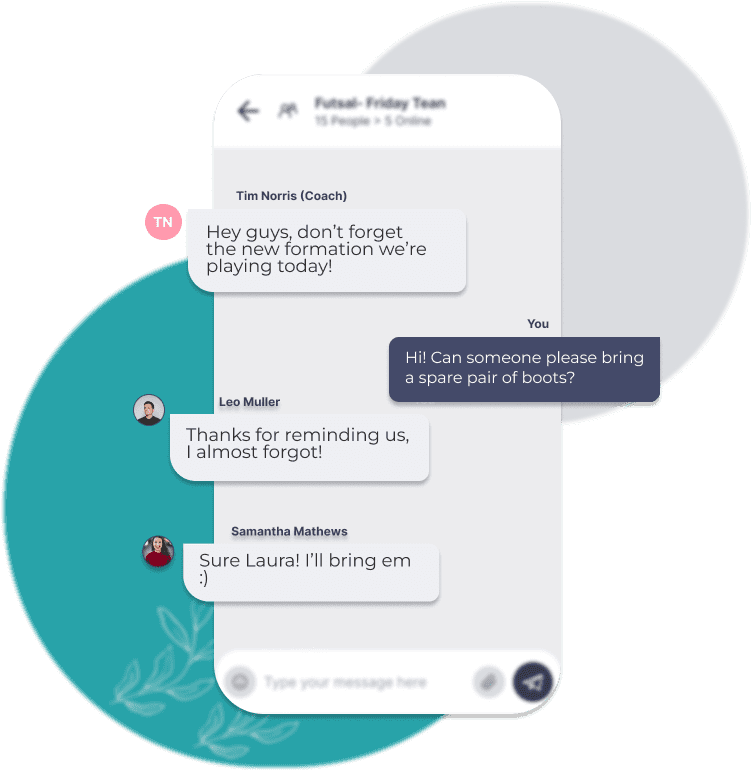
Professional by default. Off when you are.
Every conversation happens on the platform and stays on record. Contact details are hidden, families can’t message each other privately, and your personal number never comes into it. When the working day is done, you’re done.
- Contact details stay hiddenNo-one sees another parent’s phone number or email.
- Private, secure messagingConversations are tied to accounts, not phone numbers.
- You set the hoursFamilies get push notifications. You choose when to reply.
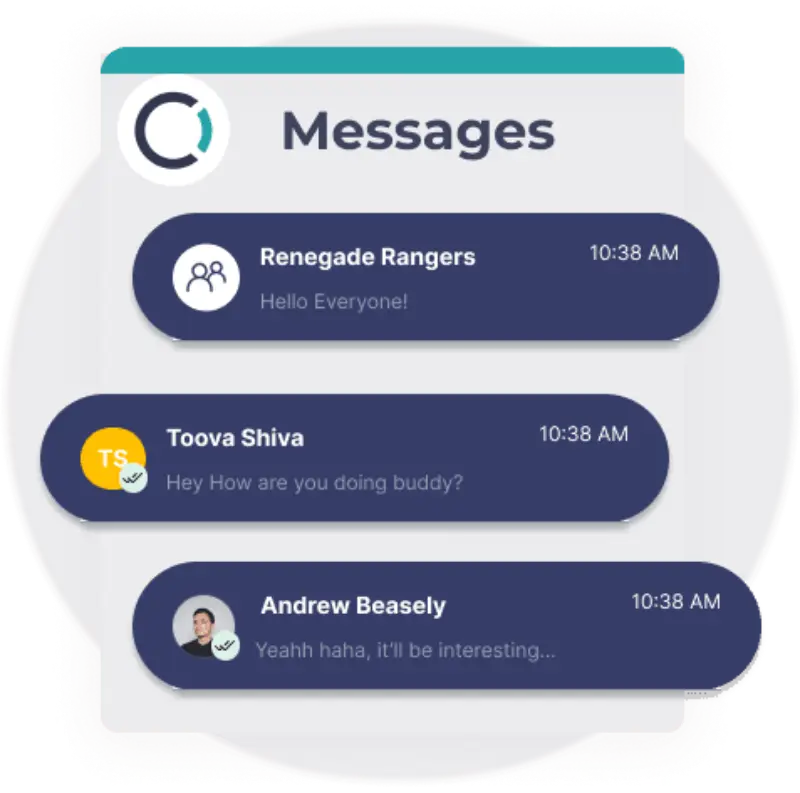
WhatsApp is built for friends. Outcoach is built for your business.
Most coaches start on WhatsApp because everyone already has it. Here’s what changes when your class messages move to a channel made for coaching.
| What you need | Outcoach | |
|---|---|---|
| Keeps work off your personal number | ||
| Parents can’t see each other’s numbers | ||
| Announcements without a reply-all thread | Admin-only groups | |
| Message everyone booked into a class in one step | ||
| SMS and email for families without the app | ||
| Every message tied to the student’s record | ||
| Connected to classes, attendance and payments | ||
| Free for families |
Keep WhatsApp for your friends and family. Give your business its own channel.
The details that make it work every day.
Small things that save you time with every message you send.
SMS at no extra cost
Reach families without the app by text. We cover the cost.
Email when it suits
Notify a class by email for updates families will want to keep.
Private by default
Contact details stay hidden. Families can’t message each other privately.
Type or talk
Tap the mic and say your announcement instead of typing it.
Photos and emoji
Share a photo from training or a quick thumbs-up.
Search every conversation
Find what was said and when, without scrolling through three apps.
Unread at a glance
Unread conversations are flagged, so nobody waits on a reply.
Automatic reminders
A heads-up when a recurring class or booking series is about to end.
Every message lands in the app they already open.
Outcoach is free on the App Store and Google Play. Once you set up your business, coaches, parents and students get the app at no cost, with their messages right next to their classes and progress.
Admins
Every conversation and announcement in one inbox, on the web or on your phone.
Coaches
Message parents and their class without sharing a personal number.
Parents and students
Messages, announcements and push notifications alongside their classes, progress and notes.
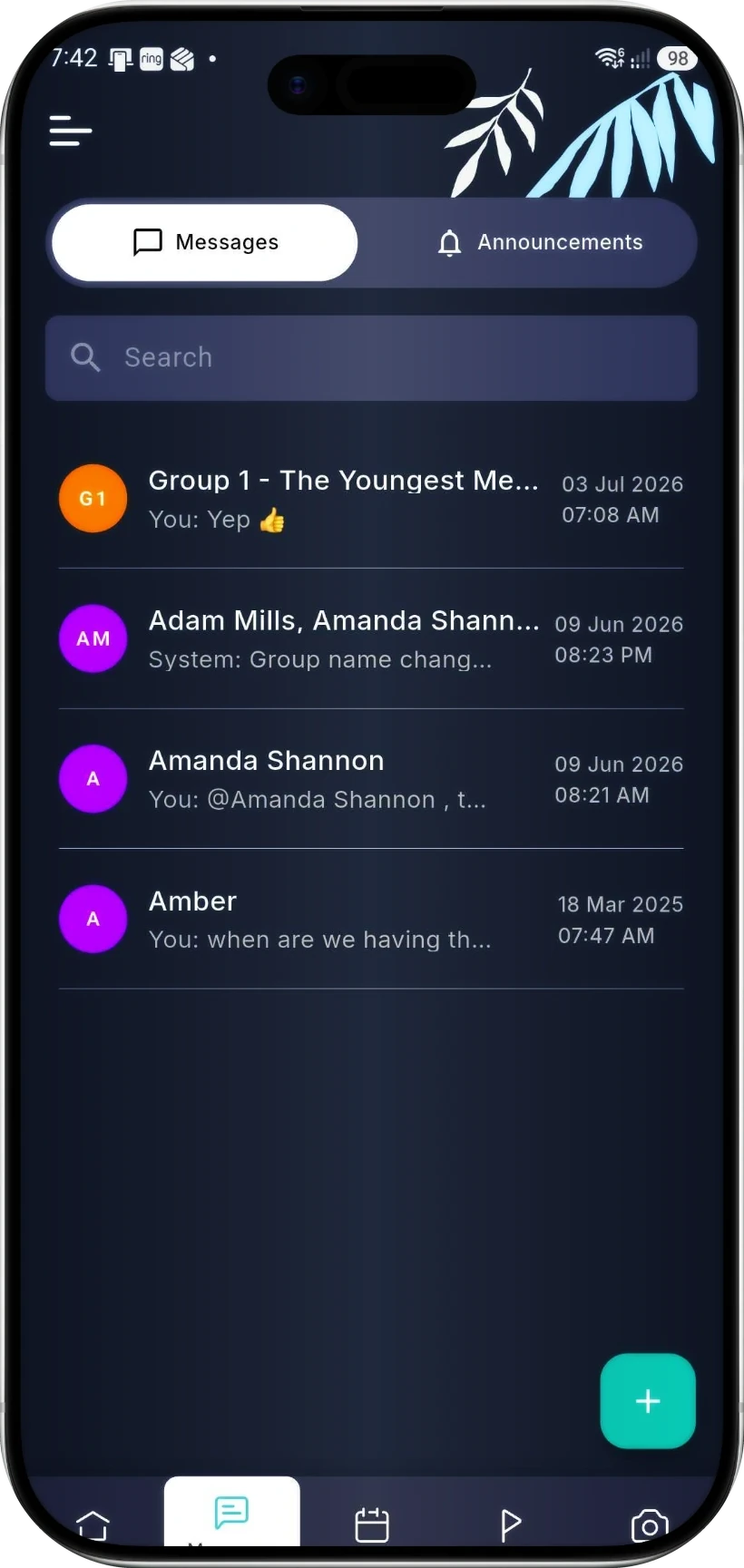
Or skip the typing and just ask.
Tell Outcoach AI what you need, the way you’d text a colleague. It writes the message, picks the right families and sends it by SMS, email or in the app. Then it shows you exactly what it did.
Off WhatsApp by the end of the week.
You don’t have to rebuild anything by hand. We’ll help you move across.
Send us your students
Share your spreadsheet and we’ll load your classes, students and families for free, even during your trial.
Invite your families
Parents and students download the free app and find their messages, classes and progress in one place.
Send your first announcement
Pick a class, write it once and send it by push or SMS. Then tell parents where to find you from now on.
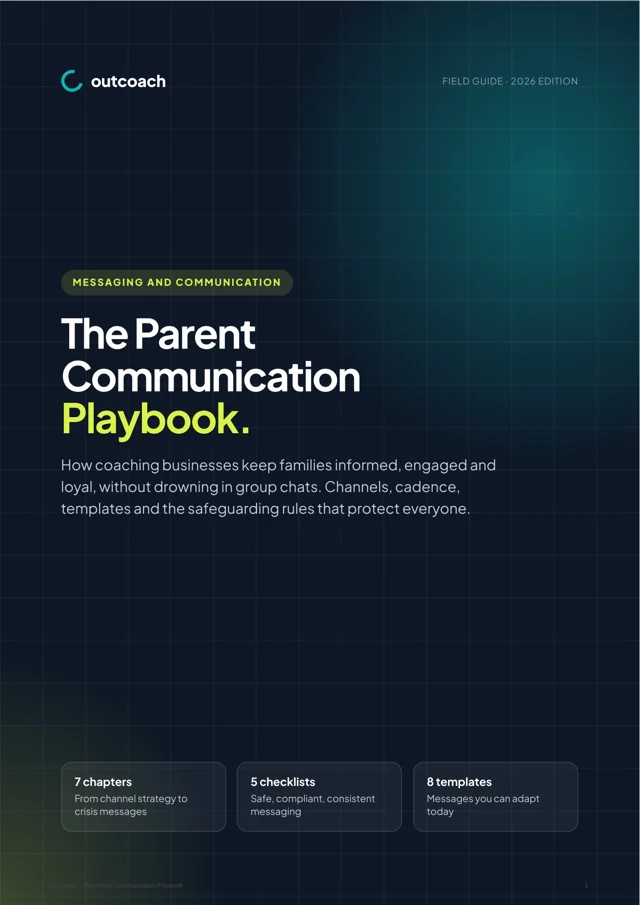
Free guide: the parent communication playbook.
A 10-page playbook on keeping families informed and loyal without drowning in group chats. Channels, a term calendar, eight ready-to-use templates and the safeguarding and anti-spam rules that matter.
- Which channel to use for every type of message
- A term-by-term communication calendar
- Safeguarding rules for messaging young people
- Anti-spam and privacy rules across five countries
Download it below.
Download the guideQuestions about messaging and announcements
Can’t see yours? Ask our team and a real person will reply.
Do I have to pay extra for SMS on Outcoach?
Nope. We cover the cost of bulk SMS and app notifications, so you can send announcements, reminders and updates without watching a text bundle run down.
Will parents ever see my personal phone number?
No. Parents message you inside Outcoach, so your personal number stays private. When you’re off for the day, you’re off, and every work conversation is waiting in one place when you’re back.
Can Outcoach replace our WhatsApp groups?
Yes. Set up a group chat for each class, squad or coaching team, and use announcements for updates that don’t need replies. Parents get push notifications in the free app, and you can send SMS to families who don’t have it yet.
Are there privacy settings for my customers?
Yes. Parents and students have their contact details hidden from other parents and students automatically. Nobody sees another family’s phone number or email address.
Can parents message each other?
Only inside a group chat you’ve created. Parents and students can’t start private conversations with each other, so you stay in control of who talks to whom.
What’s the difference between a message and an announcement?
A message is a conversation, one-to-one or in a group. An announcement is a one-way update to the people you pick: a single parent, a class, or your whole school. Use announcements for cancellations, venue changes and reminders, without the reply-all noise.
Do families need the app to get my messages?
No. Push notifications reach everyone with the free app installed. For everyone else, send the same update by SMS, or by email when you notify a class.
Can I message everyone in a class at once?
Yes. Select the classes from your calendar and Outcoach notifies everyone booked into them by push, SMS or email. Or send an announcement to any class, group or your whole school.
What do you mean by ‘everybody gets access’?
Outcoach is a free mobile app for iPhone and Android. Once you set up your business, coaches, parents and students download it and see their own messages, classes, progress, notes and invoices at any time. Parents love being more involved, which helps with engagement and retention.
Will moving my students and families into Outcoach be a pain?
No. We offer a free service to load your classes and contacts for you, so you can start your trial with your real data. If you decide Outcoach isn’t for you, there’s no charge.
Can Outcoach AI send messages for me?
Yes. Tell Outcoach AI something like “Remind every Orange Ball family about Saturday’s tournament” and it writes the message, picks the right families and sends it. Then it shows you what it did.
Ready to get WhatsApp off your personal phone?
Start your free trial today and send your first announcement in minutes. We’ll import your students and families for free.